Your organizer page is your public face on Ehyaa. People reach it from any of your events, from search, or by scanning your QR poster — and a complete page builds trust and gains followers.
Editing the page
Section titled “Editing the page”- Go to the Profile tab.
- Tap the edit option to open the page editor.
- Update your details — the photo, title and description, social accounts (YouTube, Instagram, Twitter), the YouTube live broadcast URL that enables the broadcast button on your events, and the Show my mobile number toggle.
- Save your changes.
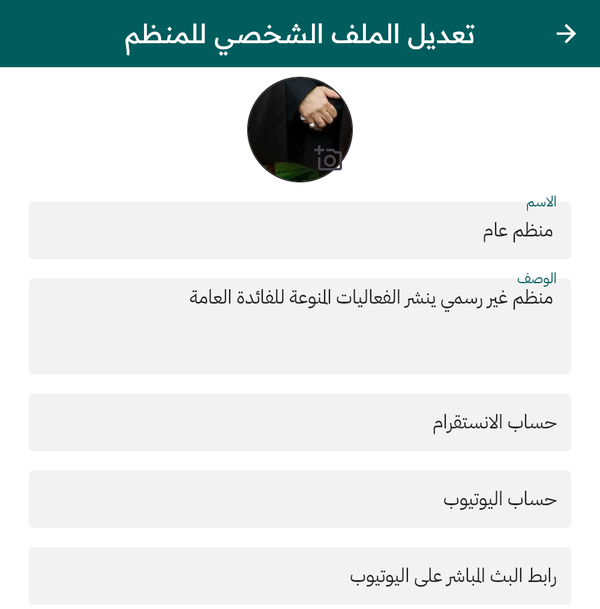
Editing your organizer profile
What the public sees
Section titled “What the public sees”Your public page shows the photo, type, name and city, your social links, your stats — events, followers and impressions — the description, the location on a map, and your schedule split into two tabs: the Weekly Schedule for recurring events and the non-recurring events. Visitors can Follow you and share your page.
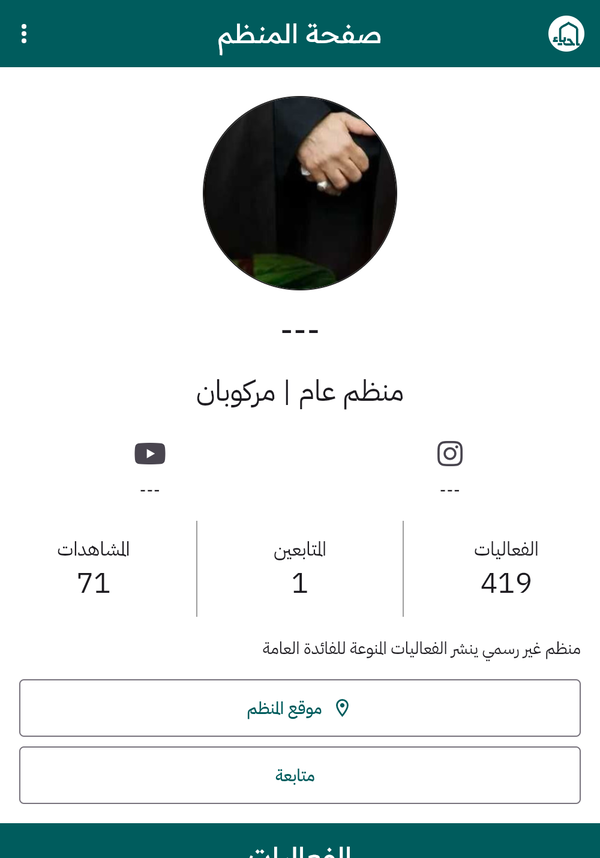
Your organizer page as the public sees it — with Follow and Location buttons
The QR poster
Section titled “The QR poster”From your profile open My QR Code to generate a printable poster with your name and a QR code. Print it and put it near your venue’s entrance: people scan it and land directly on your page, where they can follow you and see your upcoming events.
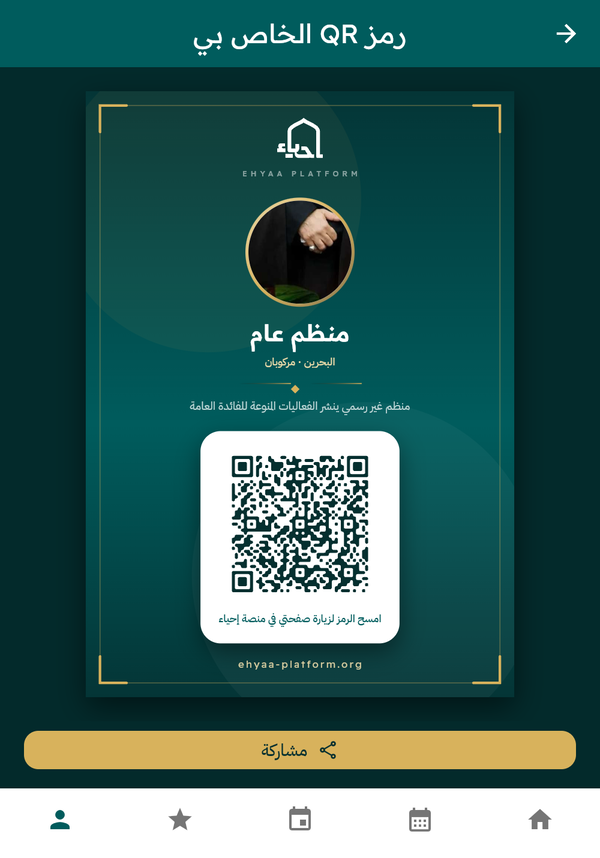
The printable QR poster — opens from the QR icon on your profile