
Opening the platform
Section titled “Opening the platform”Open https://ehyaa-platform.org in your browser. On a phone the site works like an app; no installation needed.
Exploring as a guest
Section titled “Exploring as a guest”On the login screen tap Login as a guest to look around. Guests can browse all events, organizers and participants — but member features (saving, attending, following, the personal calendar) require a real account.
Creating a free account
Section titled “Creating a free account”- On the login screen tap Create an account.
- Fill in the registration form below.
- Submit it, then sign in with your email and password.
| Field | What to enter |
|---|---|
| Full Name | Your full name (3 to 50 characters). |
| Username | A unique public handle, 4 to 20 characters (letters, numbers, dashes, underscores, dots). |
| A valid address you can access; it becomes your login. | |
| Password | At least 8 characters. |
| Repeat Password | The same password again. |
| Gender (optional) | Male or female; used only to tailor some content. |
| Birth Day (optional) | Your date of birth. |
| Country + Mobile Number (optional) | Your country and mobile number. |
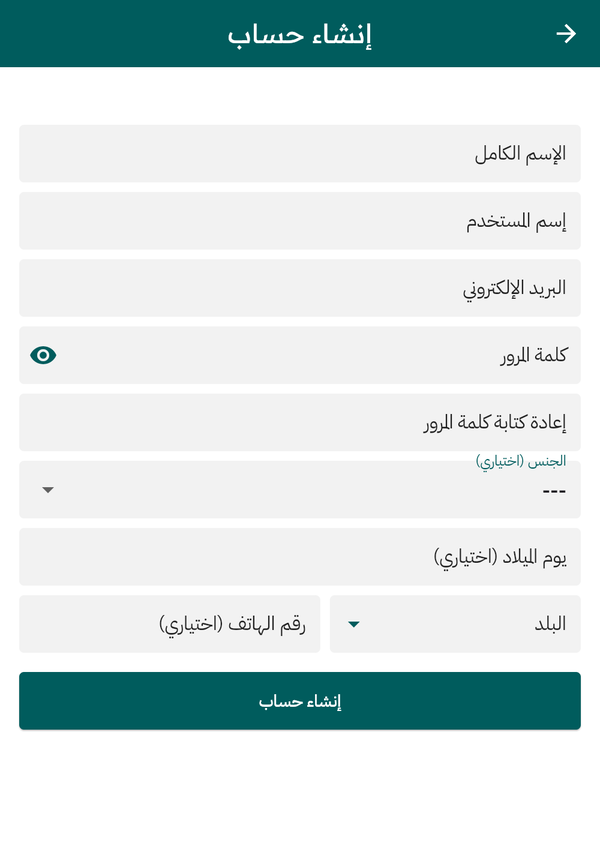
The account creation form
Signing in later
Section titled “Signing in later”Enter your Email and Password and tap Login. If you forget your password tap Forgot your password?, enter your email, and follow the link you receive to set a new one.
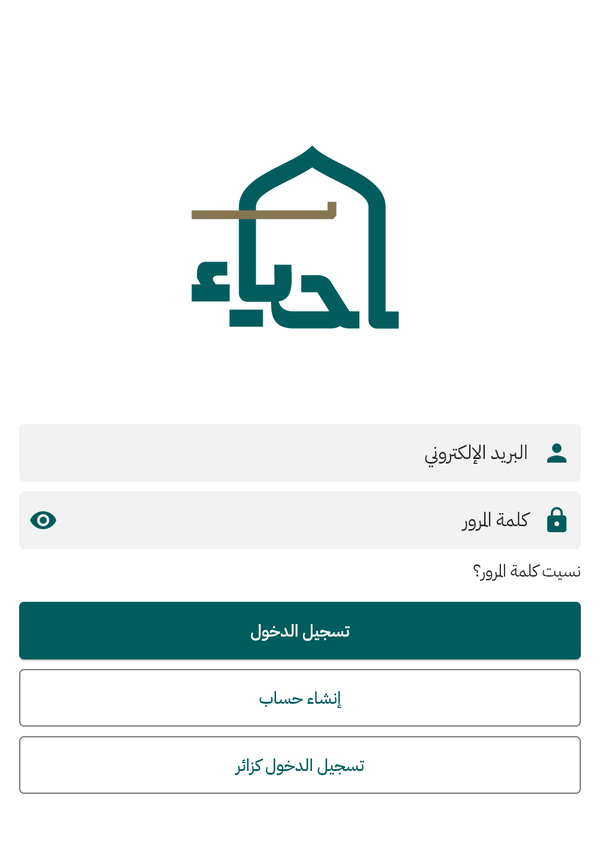
The login screen — or explore as a guest via Continue as Guest
Changing the language
Section titled “Changing the language”Open the side menu and tap Change Language to switch between Arabic and English anytime; your choice is remembered.
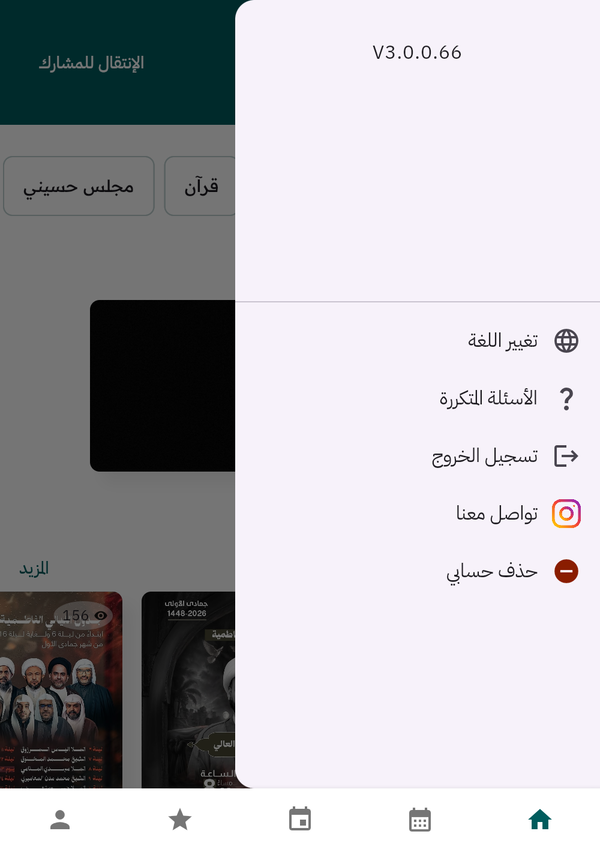
Side menu: change language, FAQ, sign out, contact us, delete account